
Digital Signage Software for Any Screen
Manage LG webOS, Samsung Tizen, Android and browser-based displays from one cloud platform. Upload content, schedule playlists and control every screen remotely.
Connect in 4 minutes. Custom development.
No credit card required
Everything You Need to Manage Digital Signage
From one screen to hundreds of displays, Buzzblender makes it simple to publish, schedule and update content across multiple locations.
Remote Management
Control your screens from anywhere. Update content, check displays and manage multiple locations without being on site.
Easy Scheduling
Schedule playlists and content by date, time or day of the week so the right content appears at the right moment.
Multiple Screen Types
Connect LG webOS, Samsung Tizen, Android and browser-based displays without being locked into a single hardware ecosystem.
Cloud-Based or On-Premise
Manage your entire screen network online. No complicated local server setup or manual content updates. We also support on-premise set up
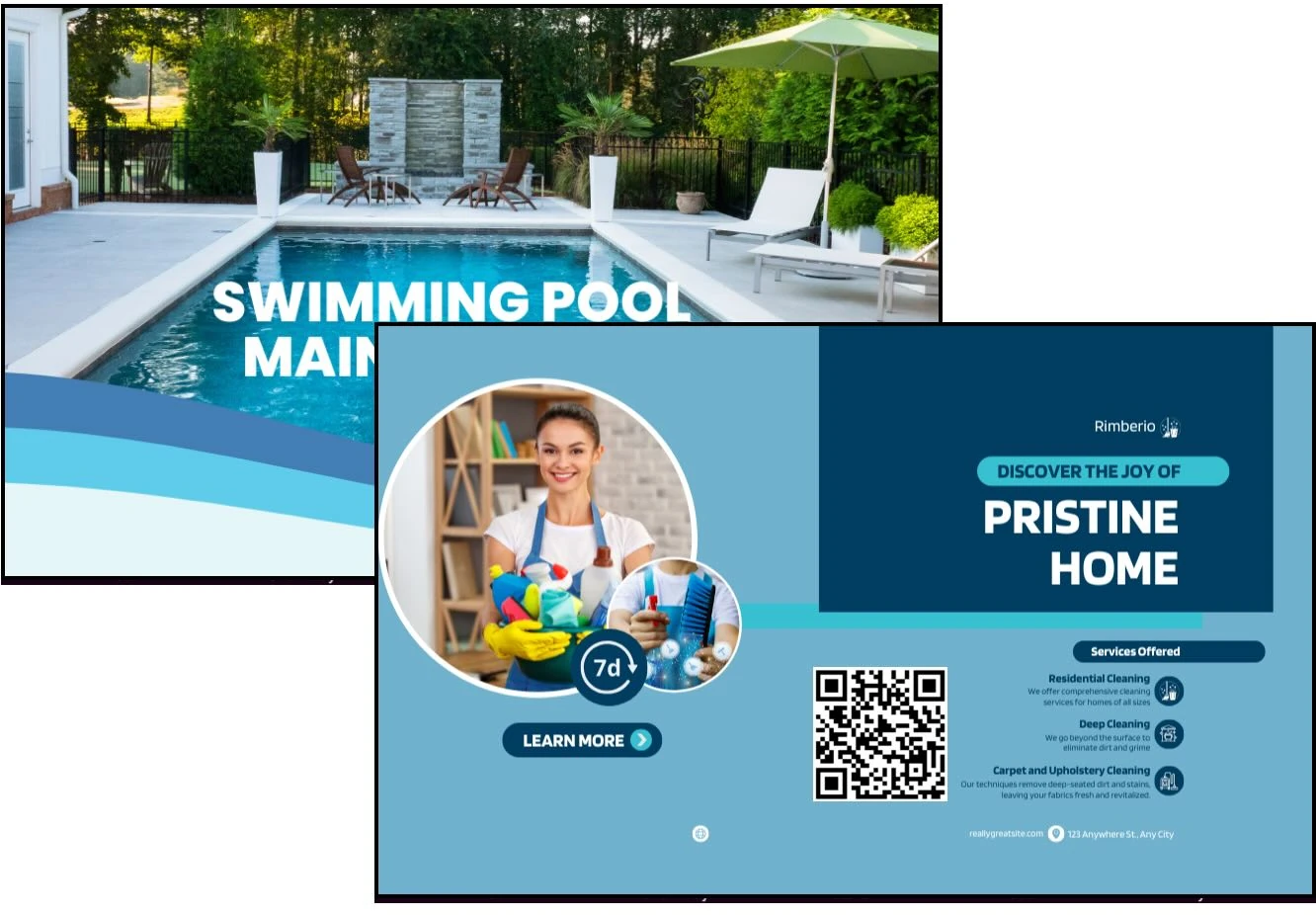
Whether it’s an office building, residential complex, or commercial space, we transform your screens into a powerful tool.

Share important updates, news, and events in real time. See which screens are active now.
Manage digital signage across multiple buildings or floors through a single admin panel
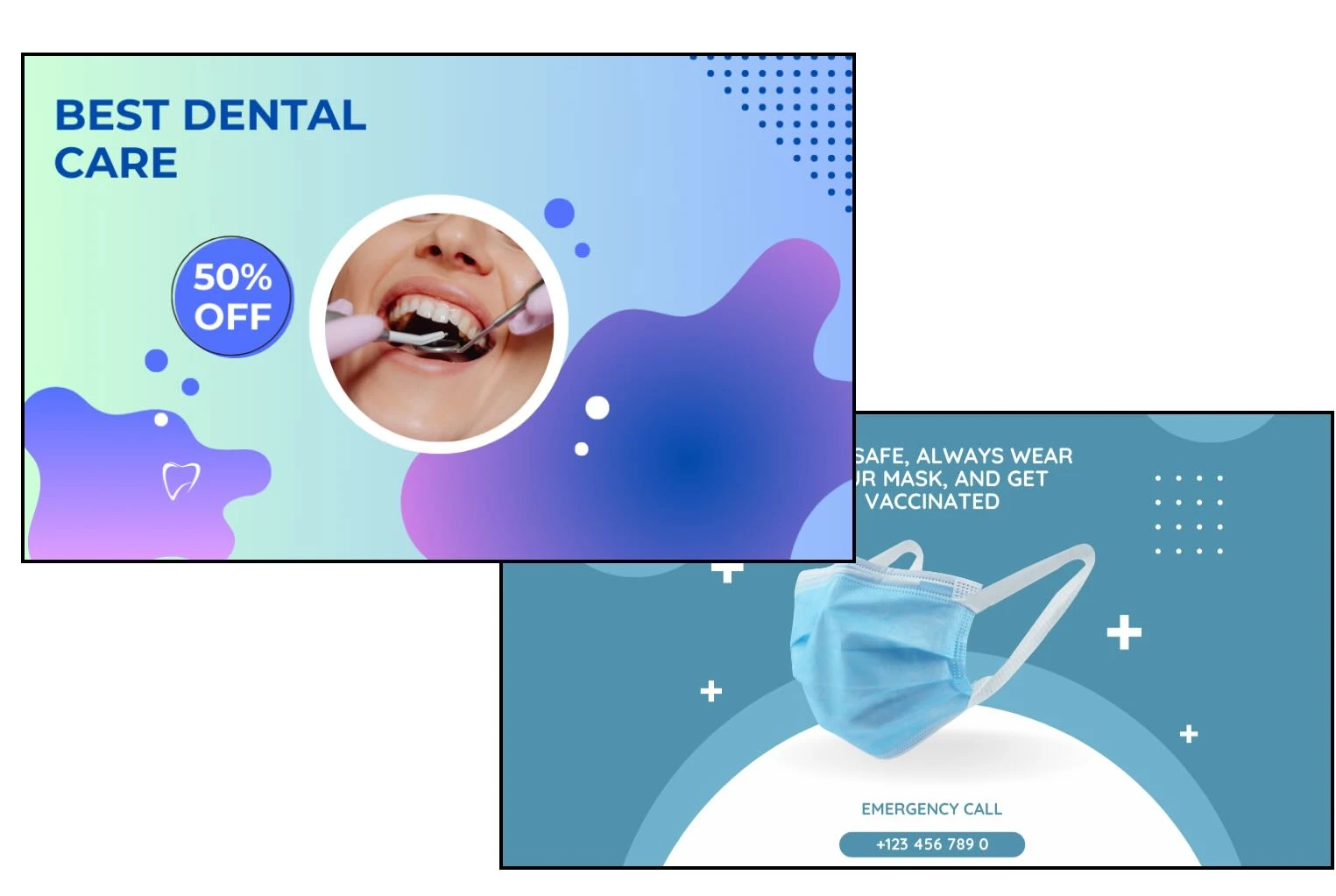
From displaying important information to enhancing the waiting room experience, Buzzblender helps clinics streamline communication.
Display important updates, changes in schedules, or reminders in real time
Show different content at different times of the day. Engage your audience!
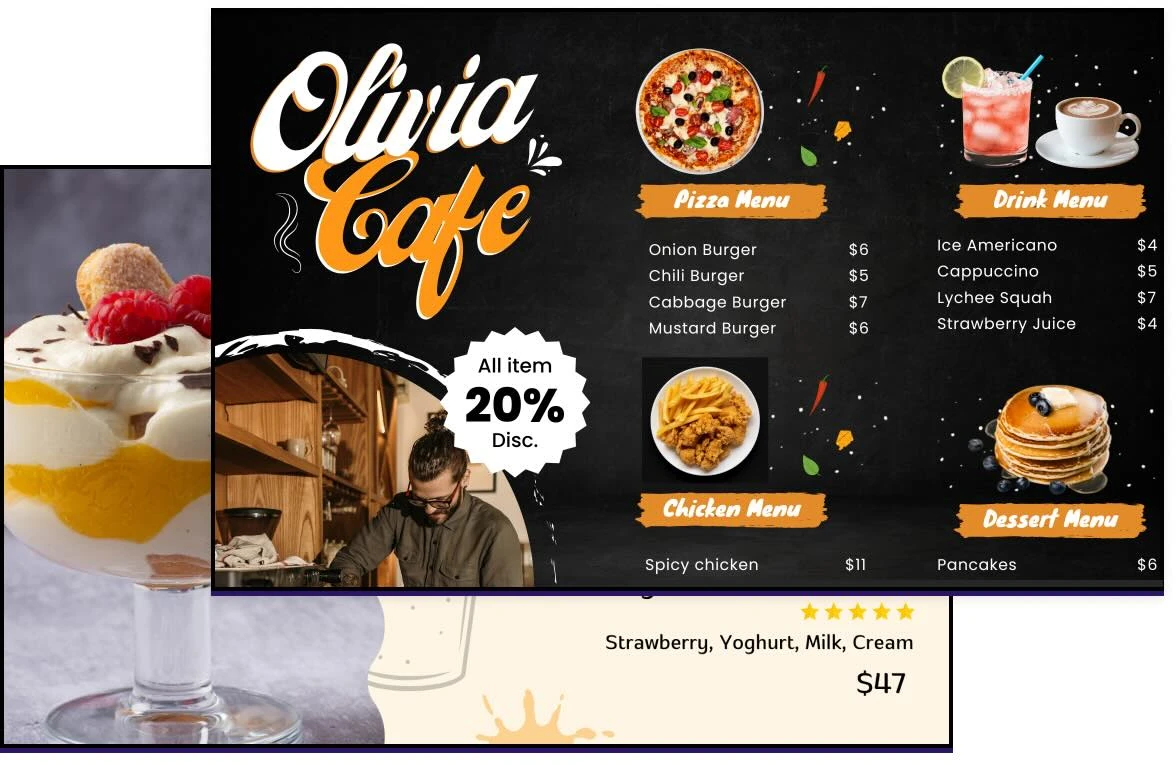
Showcase your menu, promotions, and updates on any screen
Let customers scan and explore your offerings while measuring the performance
Monitor which screens are active and identify those that are inactive in real time

Quickly update sales, discounts, and limited-time promotions to capture attention and drive sales

Set up content to display during specific hours or events, such as weekend sales or holiday promotions
Manage screens across multiple retail locations from a single admin panel
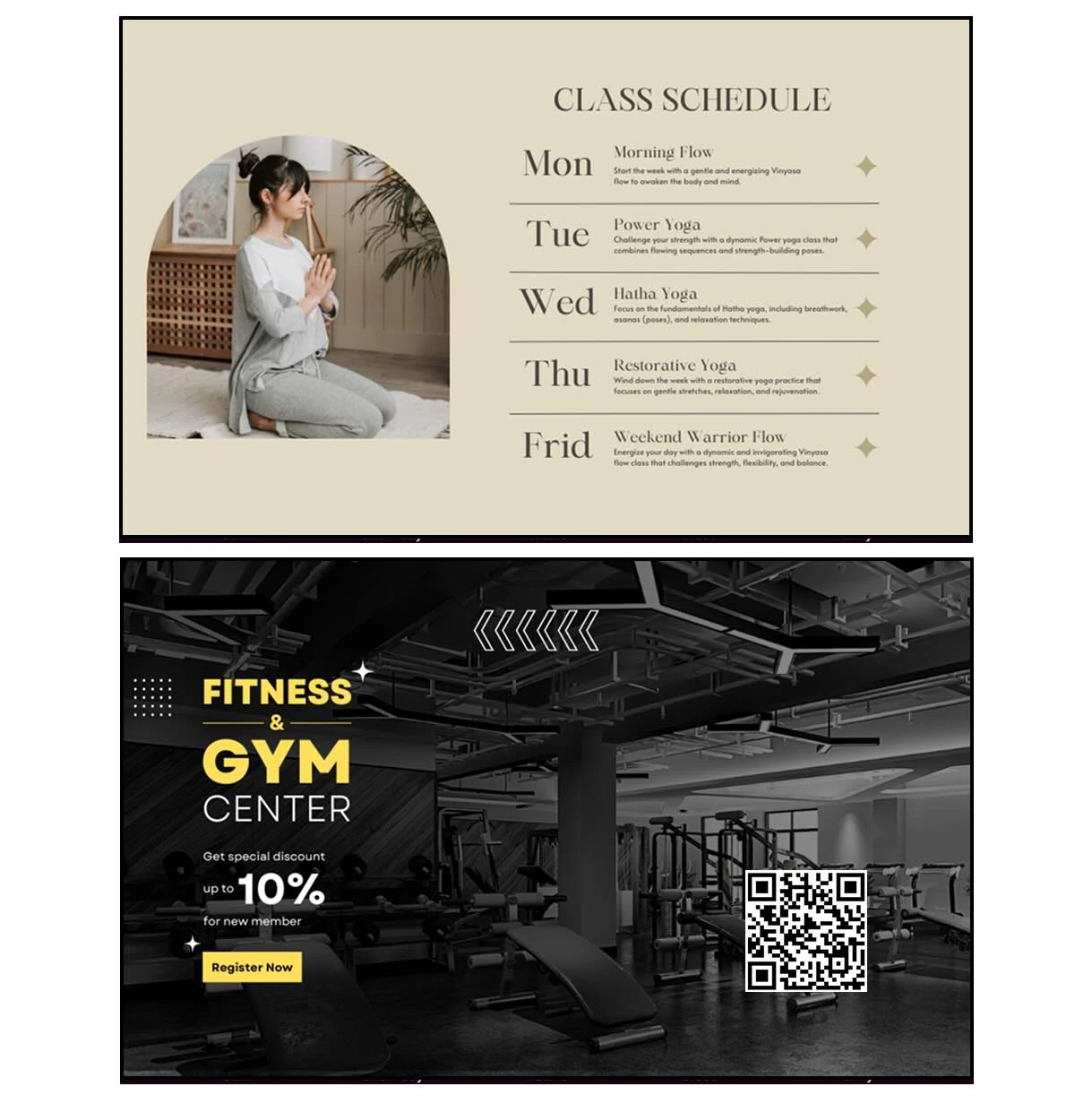
Engage your members, promote classes, and create a motivating environment by turning any screen into an interactive marketing and communication tool
Display real-time class schedules, highlight upcoming sessions
Play workout videos, warm-up routines, or new exercise techniques directly on screens

Maximize revenue from restaurants, bars, and spa experiences.

Highlight signature treatments, wellness rituals, and exclusive spa packages on screens to drive spa reservations.

Play promotions for restaurants, bars, and special dining offers directly on screens to drive F&B revenue.
What Our Customers Say
⭐⭐⭐⭐⭐
Cheap and Perfect dynamic digital signage software for WebOS (LG)
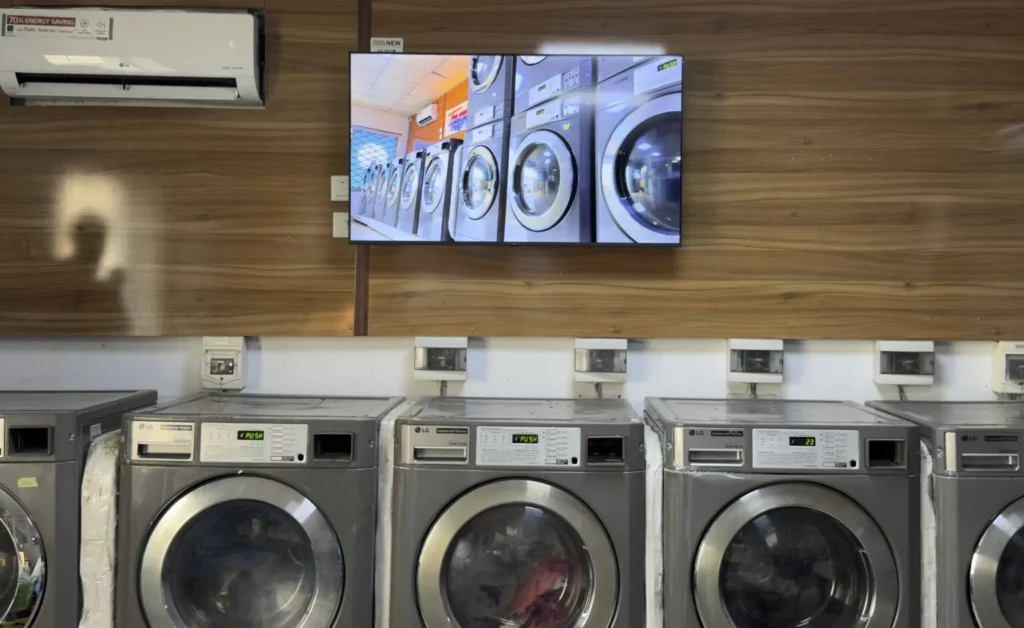
My experience with Buzzblender has exceeded expectations. It simplifies cloud-based content management. We use LG (WebOs) and Buzzblender works perfectly on our screen
Agbanike, True Wash Laundromat
⭐⭐⭐⭐⭐
Affordable, Reliable, and Easy-to-Use dynamic digital signage software
Our organization has had a very positive experience using Buzzblender across our LG TVs. Setup is straightforward, and it’s easy for our team to customize what we want shown on each screen.
Saskia van Aart, M. van der Looy office manager
⭐⭐⭐⭐⭐
Helps us keep our displays fresh and engaging
What I value most is the simplicity. Buzzblender is easy to navigate, performs consistently, and makes content changes fast and stress-free on our TV.
Ahmed, Al Razi Pharmacy it manager


Used by 120+ Businesses. 5,000+ Screens Connected to Digital Signage Software
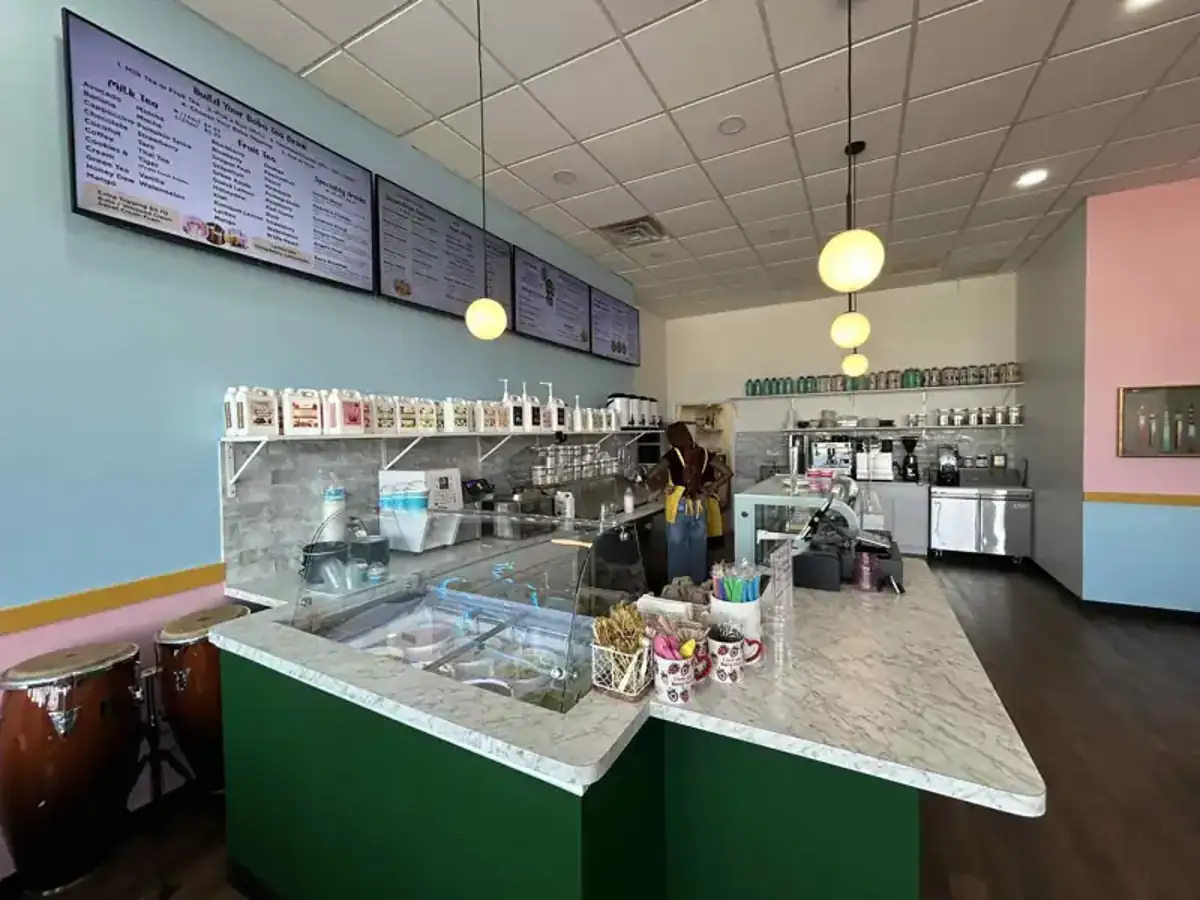


See How Businesses Use Dynamic Digital Signage Software
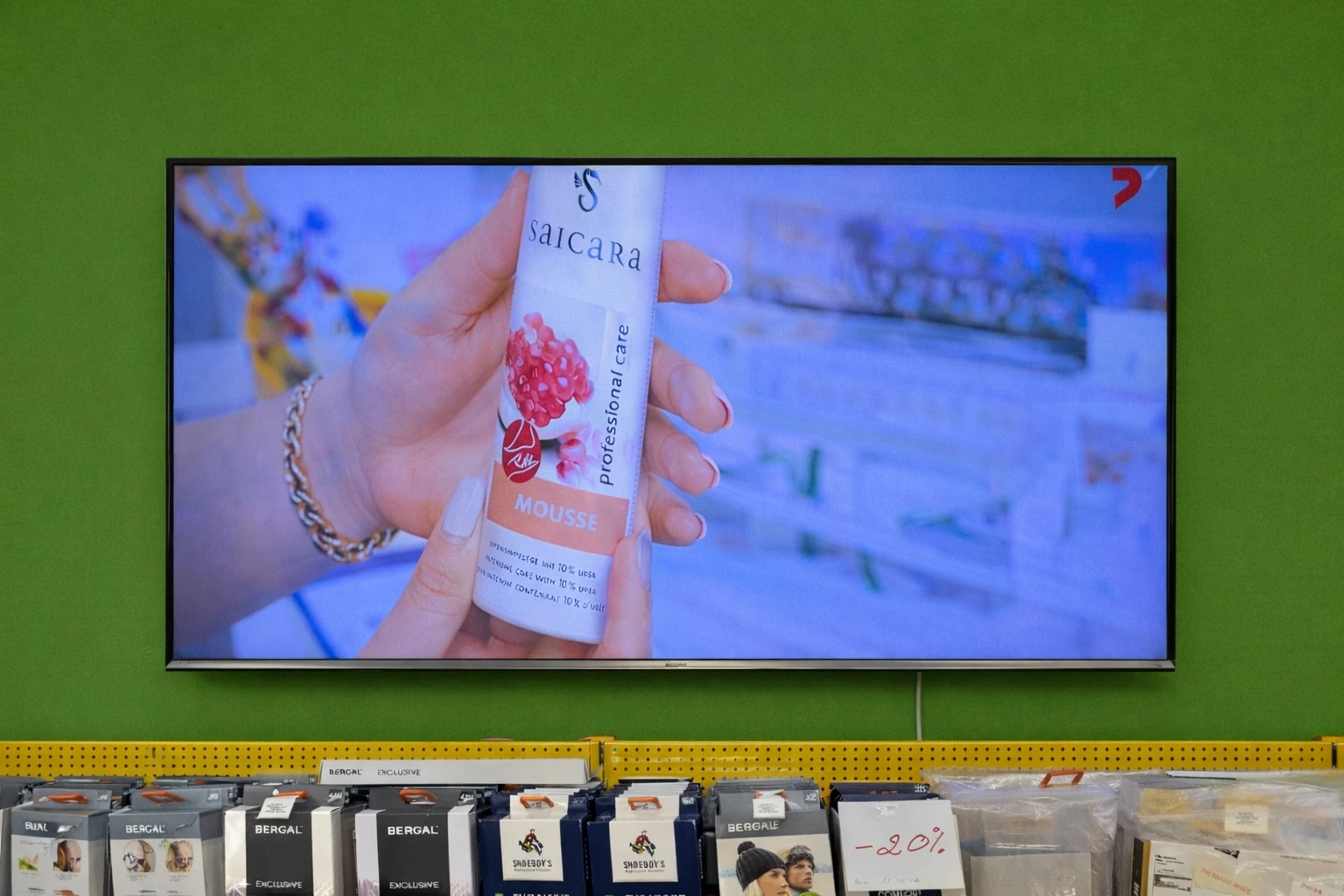
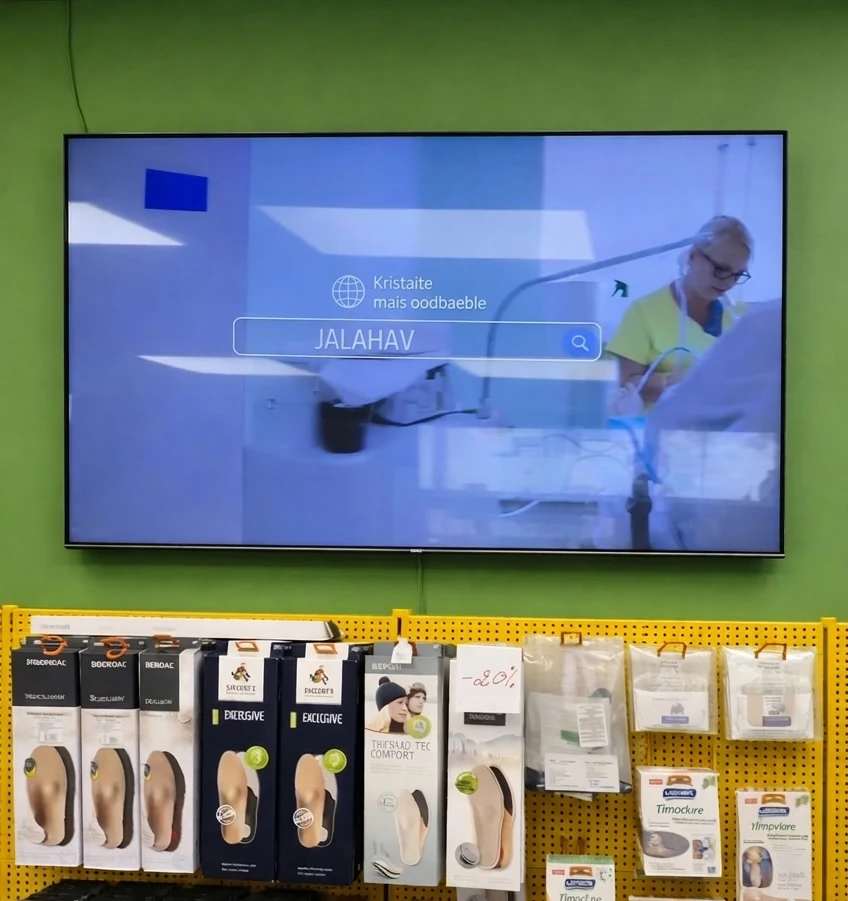
Jalaravitarbed, a specialized orthopedic and foot care retail network operating in 10 locations across Estonia.
Implemented Buzzblender dynamic digital signage software to centralize marketing communication, improve in-store customer engagement, and increase promotional sales — without investing in new hardware.
Impact:
Savings: €800–€1,500 in hardware costs.
15% increase in promoted product sales.
Setup in minutes
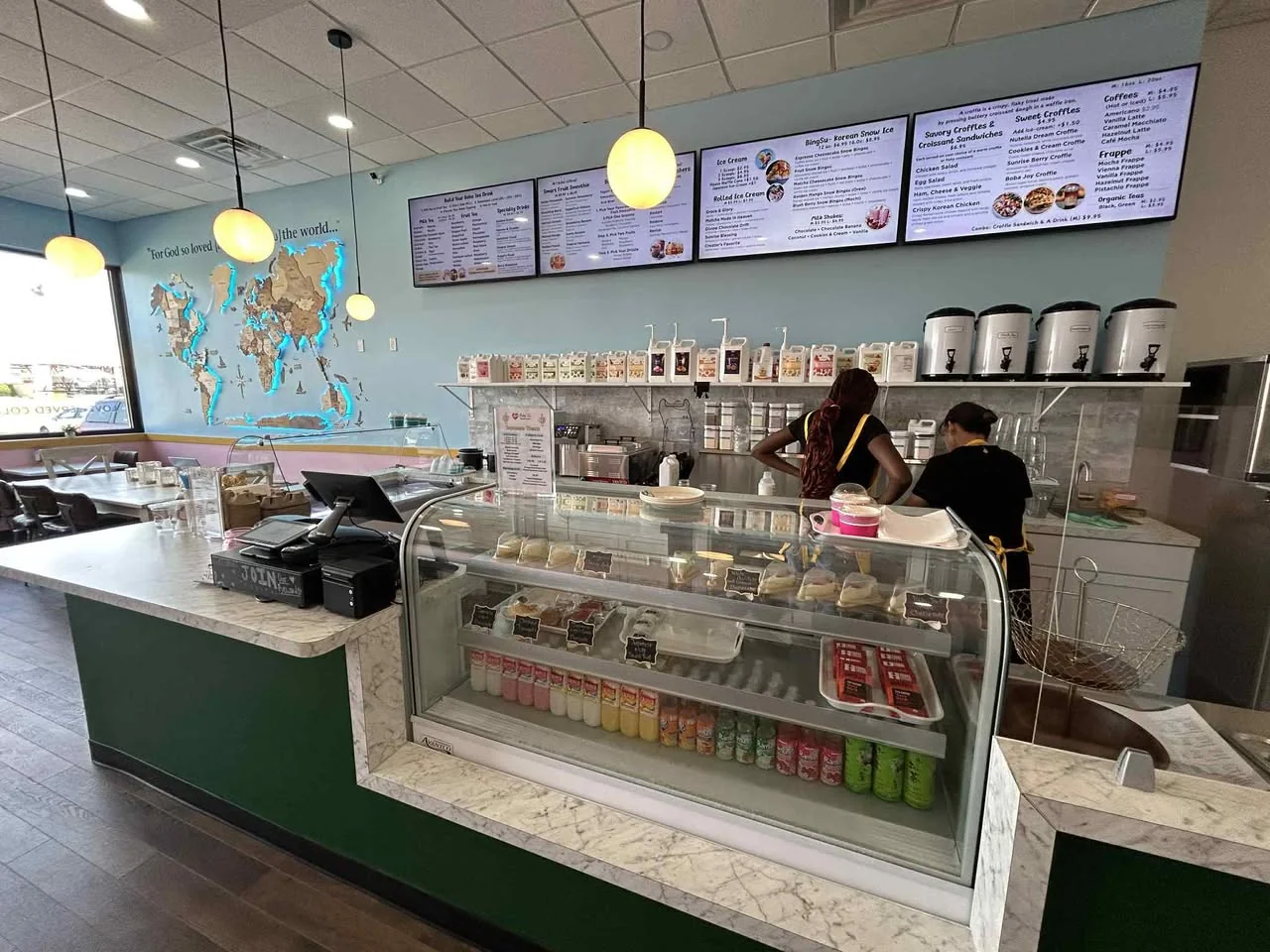
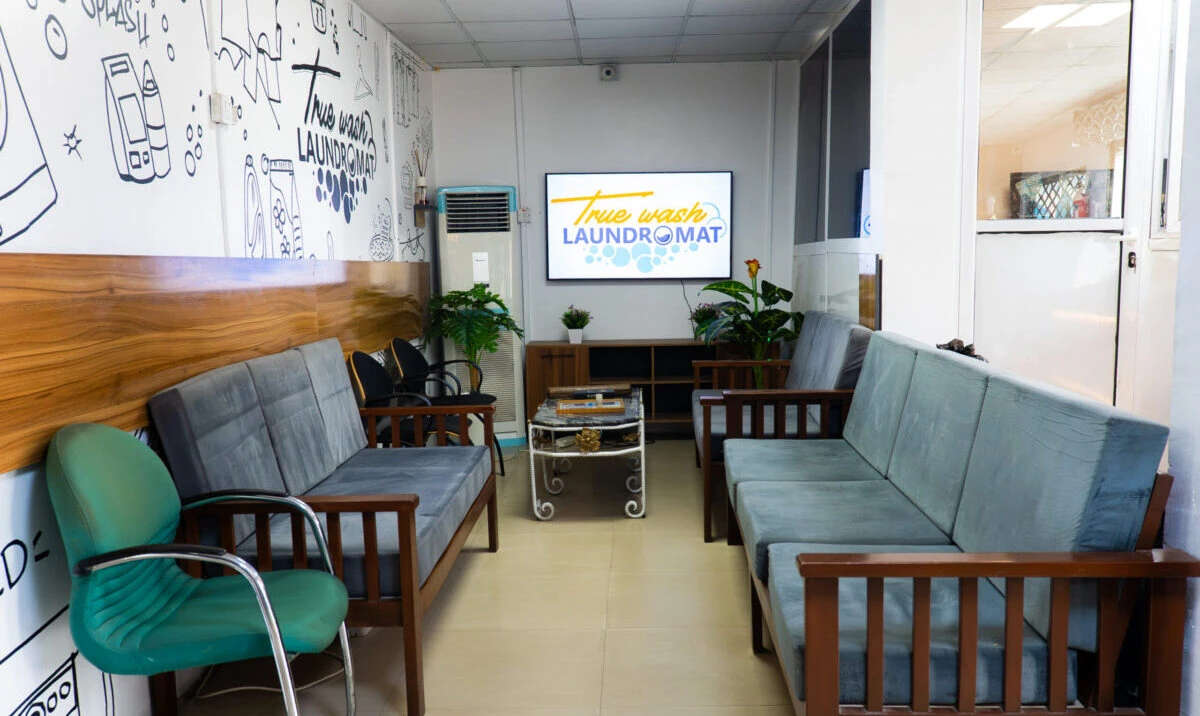
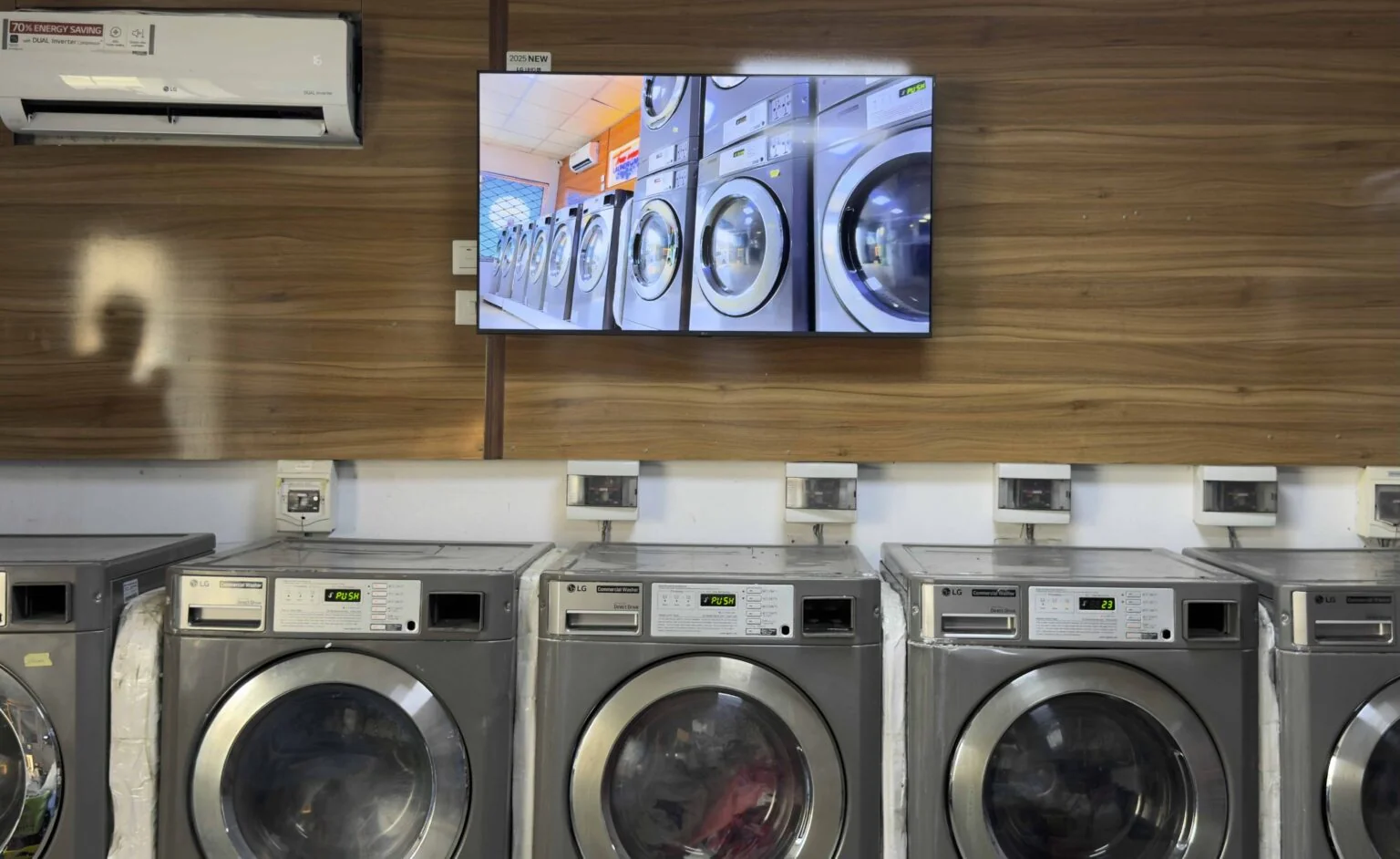
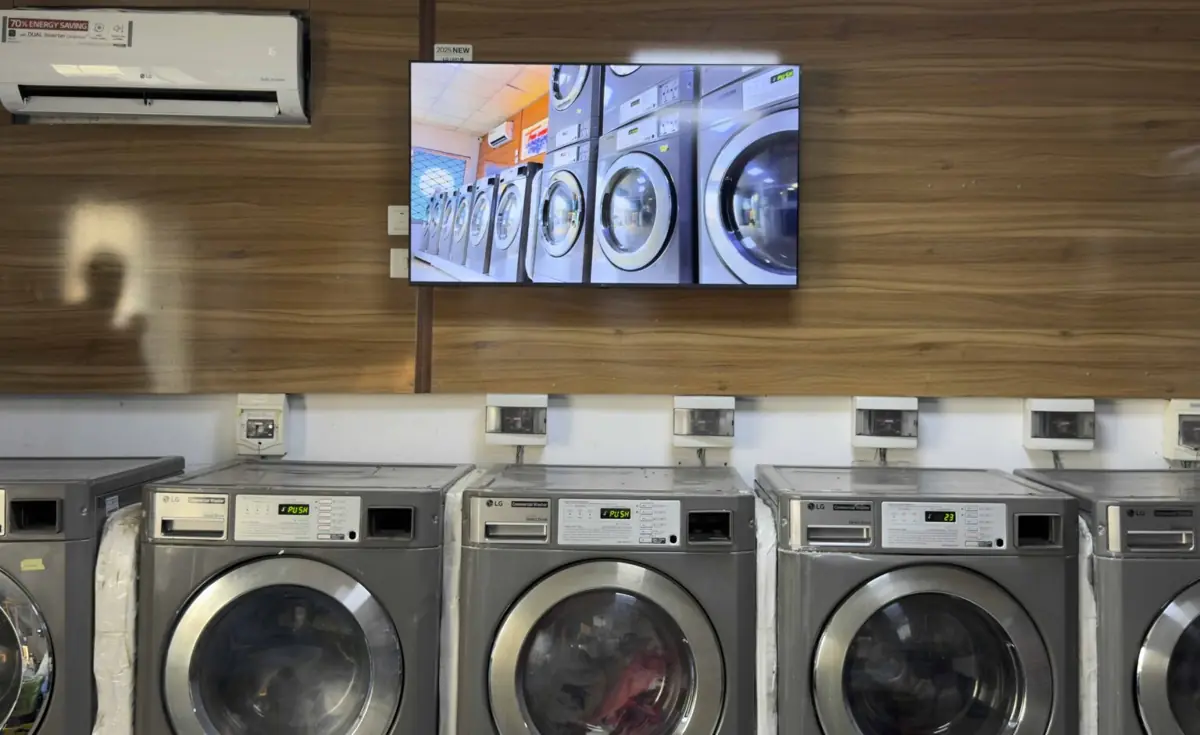
Using BuzzBlender on LG webOS screens, Truewash displays promotions, pricing, and service information to customers while they wait.
At Truewash Laundromat, with digital signage transformed idle screen time into a measurable sales driver.
Impact:
+22% promotion visibility
4 screens connected
Setup in minutes
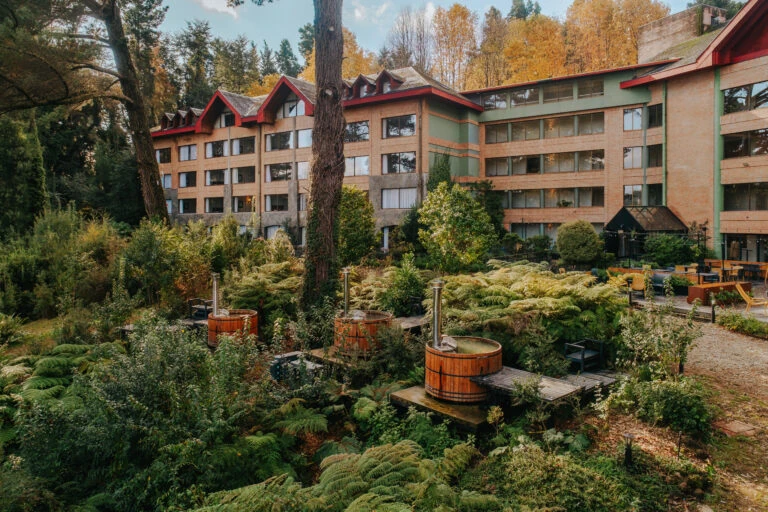
BuzzBlender’s Hotel Mode for Android-based TVs transforms hotel TVs into digital signage displays.
At Puerta del Sur, special offers appear on the screen whenever the TV enters idle (screen saver) mode.
Impact:
+25% Restaurant traffic
+15% Spa bookings
+20% In-room dining
Get Your Screens Running in Minutes
1.
Connect Your Screen
Install or open the Buzzblender player on your supported device and connect it to your account.
2.
Upload Your Content
Add images, videos, web pages and other content to your media library, then organize everything.
3.
Publish and Schedule
Send content to one screen or multiple displays and choose exactly when you want it to play.
Buzzblender is Powered by Top-Tier Industry Experts Delivering Trusted Dynamic Digital Signage Software


Everything You Need to Run Your Screens
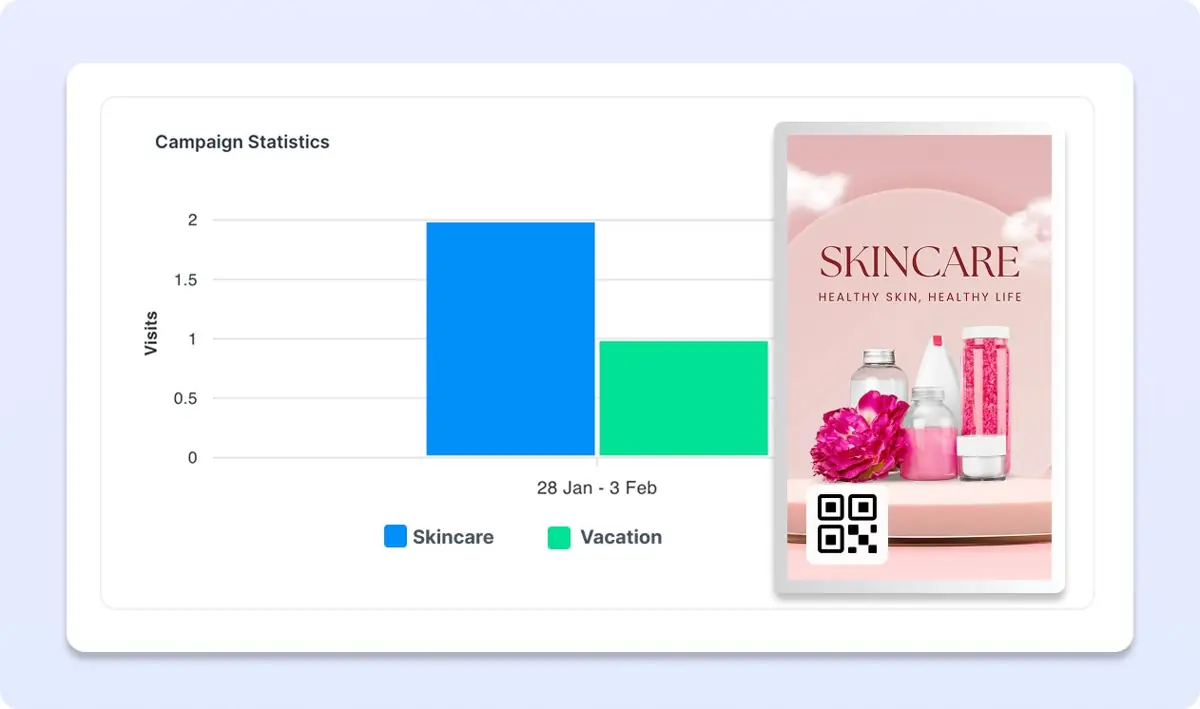
Generate QR Code Overlay
Add a QR code overlay to your promotional content with Buzzblender digital signage to measure campaign performance, track engagement, and improve the efficiency of your marketing campaigns.
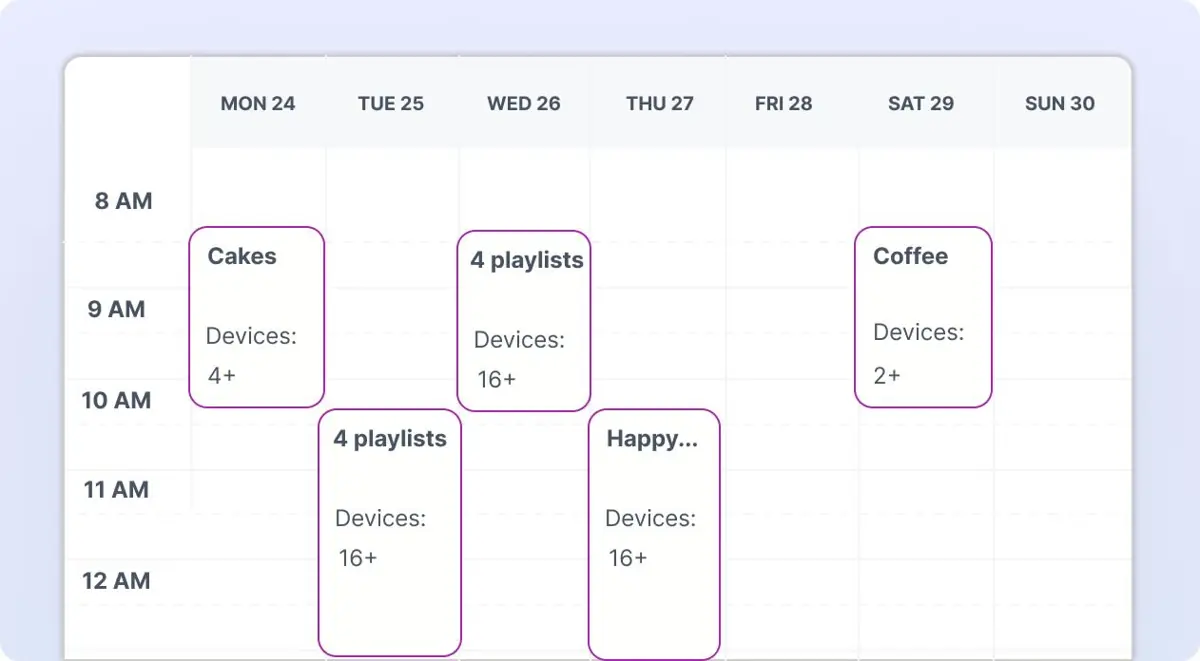
Schedule View: Smart Content Scheduling
We’ve introduced a smart content scheduling calendar for Buzzblender digital signage software, making digital signage content management, playlist scheduling, and screen planning easier and more efficient than ever
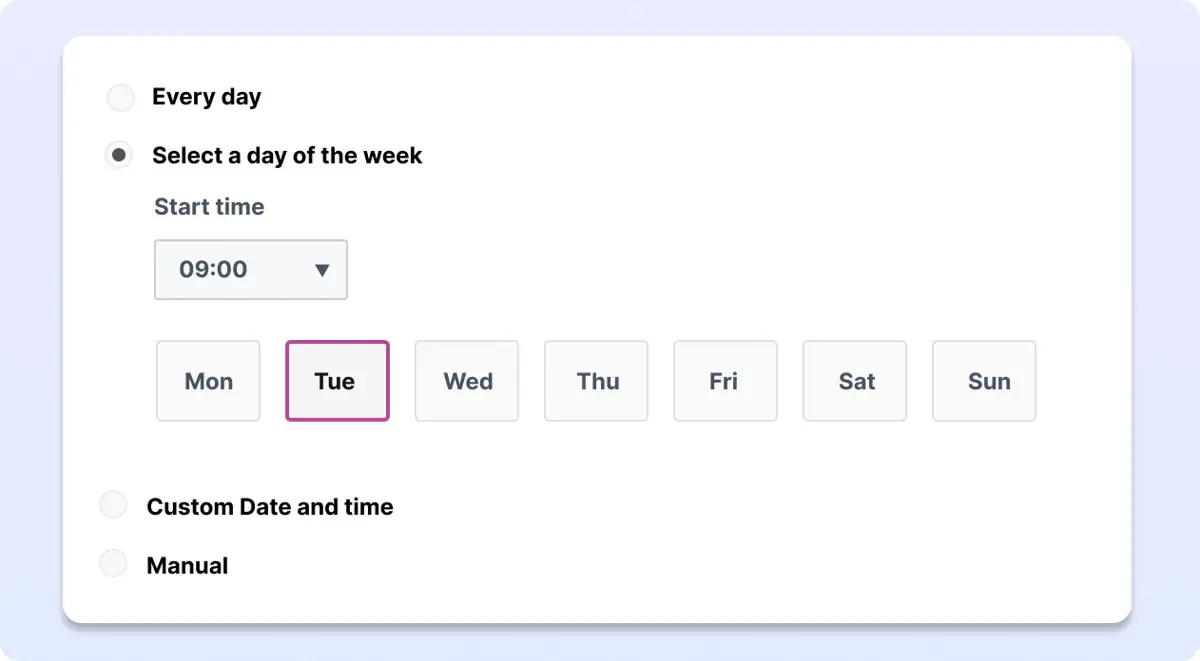
Marketing plan
Plan content in advance and control when playlists appear on your screens.
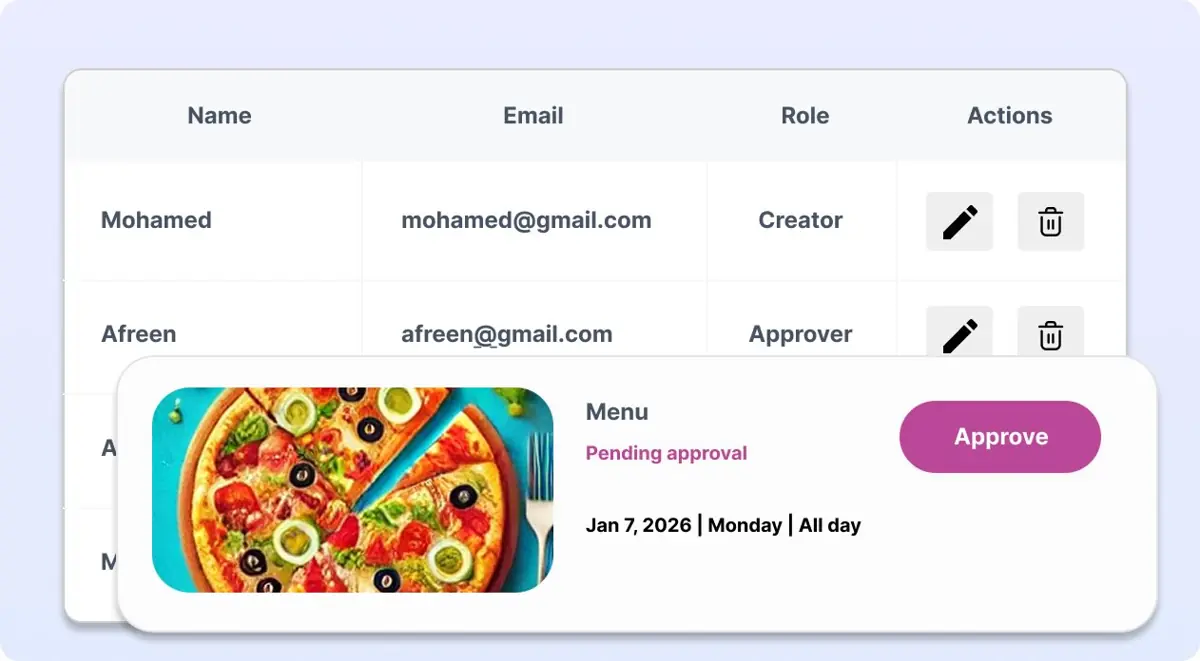
User Roles & Permissions
Manage access and permissions in Buzzblender digital signage software by assigning role-based controls for administrators, editors, and viewers.
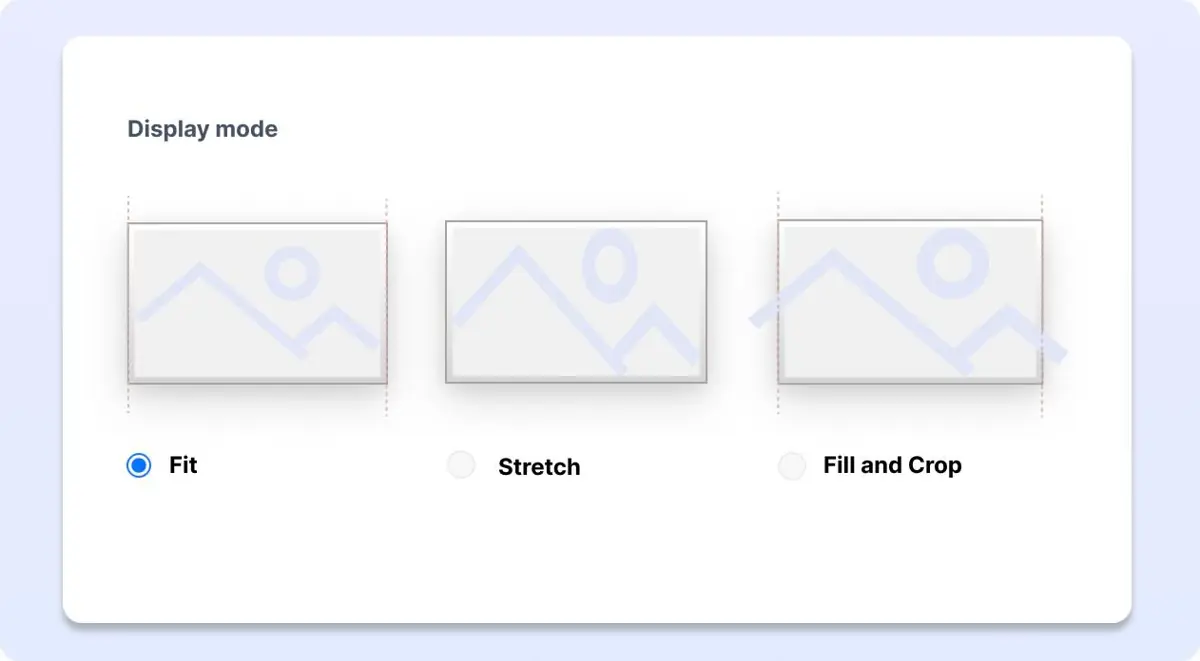
Tailor Your Content to Any Screen
Make every screen shine with flexible content sizing and responsive layouts in Buzzblender digital signage software, designed to fit your brand and message perfectly.
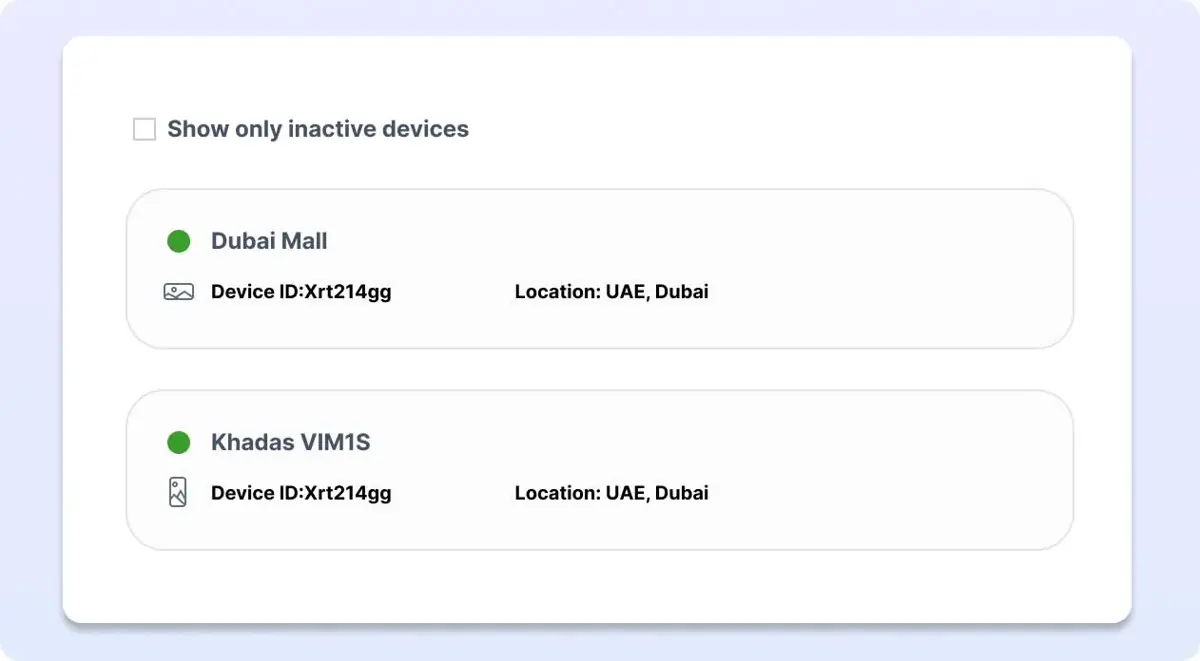
Monitor Active and Inactive Screens
Control your screens anytime, anywhere with Buzzblender digital signage software. Keep your promotions live and never miss an opportunity to captivate your audience.
Works With the Screens You Already Have
Build your digital signage network without being tied to one type of display. Buzzblender supports multiple platforms, making it easier to use your existing screens or choose the hardware that fits each location.
LG webOS
Run digital signage directly on compatible LG webOS displays and manage content remotely with Buzzblender.
Samsung Tizen
Turn compatible Samsung Tizen displays into centrally managed digital signage screens.
Android
Connect Android-based players and displays for a flexible and affordable signage setup.
Browser
Display and manage signage content through a web browser when a browser-based setup is the best fit.
Digital Signage for Every Business
Use Buzzblender to keep customers informed, promote products and services, display menus or communicate with teams across multiple locations.
Retail
Promote products, seasonal offers and campaigns while keeping content consistent across every store.
Food Trucks
update prices instantly, promote daily specials, advertise meal deals, and switch between breakfast, lunch
Restaurants & Cafes
Display menus, promotions and daily offers and update them remotely whenever prices or products change.
Hotels
Welcome guests, promote hotel services and display useful information throughout your property.
Offices
Share company news, announcements, dashboards and internal communications across workplace displays.
Free Apps for Digital Signage
Discover free apps for digital signage that make it easy to create engaging content for your screens. Design promotions, announcements, menus, graphics, interactive kiosk and more with simple tools built for digital displays.
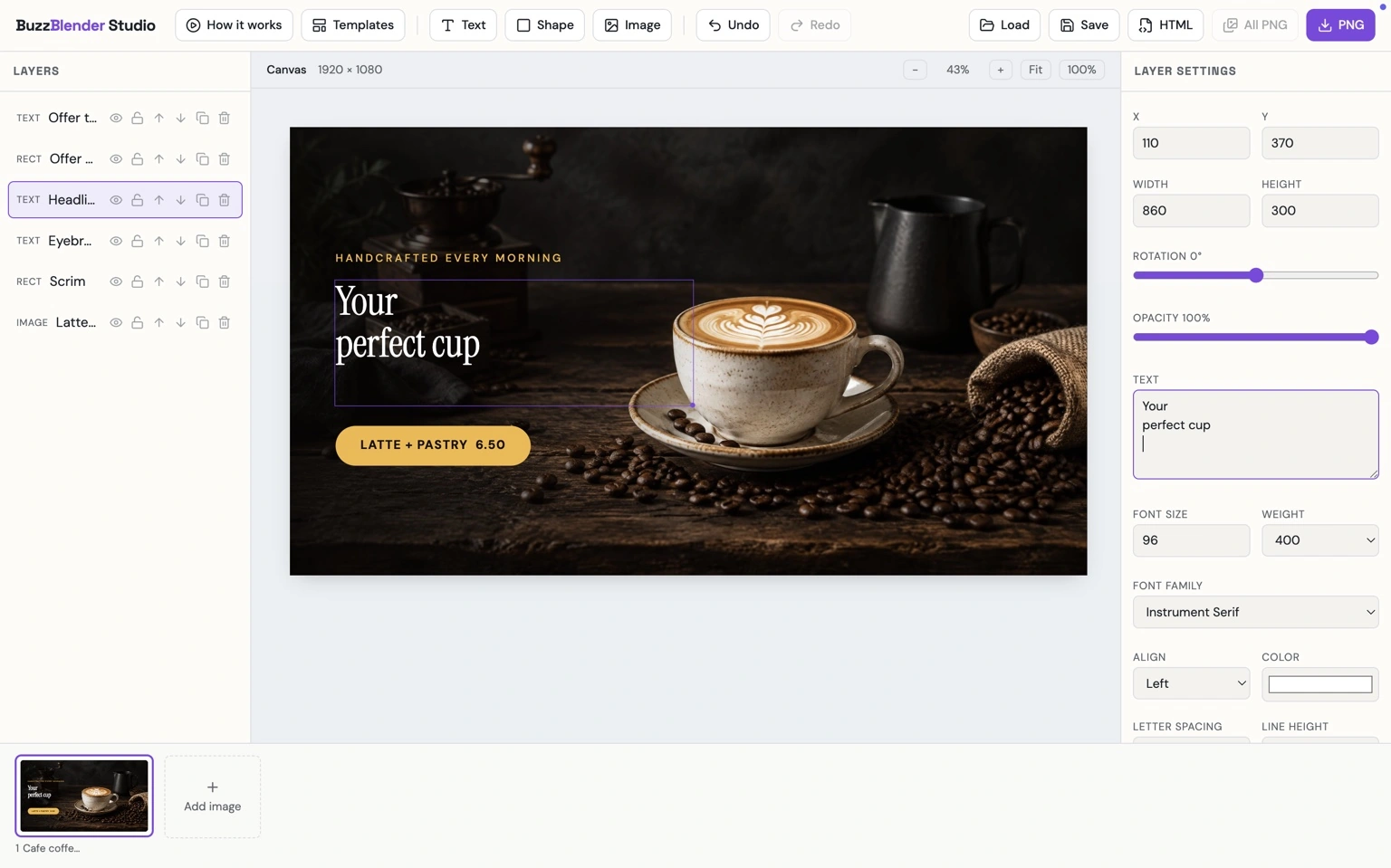
Buzzblender Studio
Buzzblender Studio is a simple design tool for creating eye-catching content for digital signage. Build layouts with text, images, and shapes, customize them to your brand, and create screen-ready promotional designs in minutes.
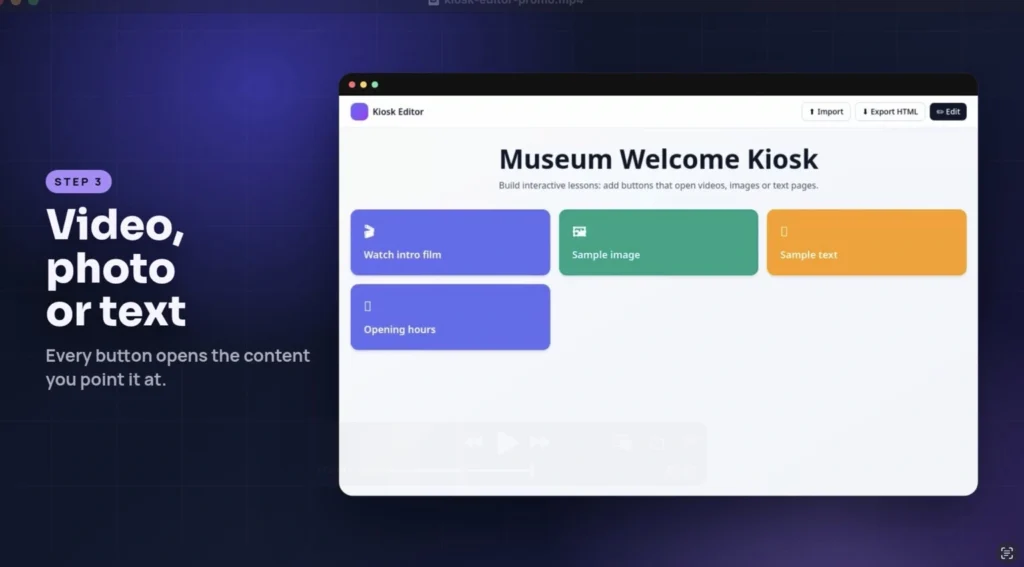
Kiosk Mode Editor
Turn your digital signage screen into an interactive kiosk with BuzzBlender and create simple button-based navigation for videos, images, and information.
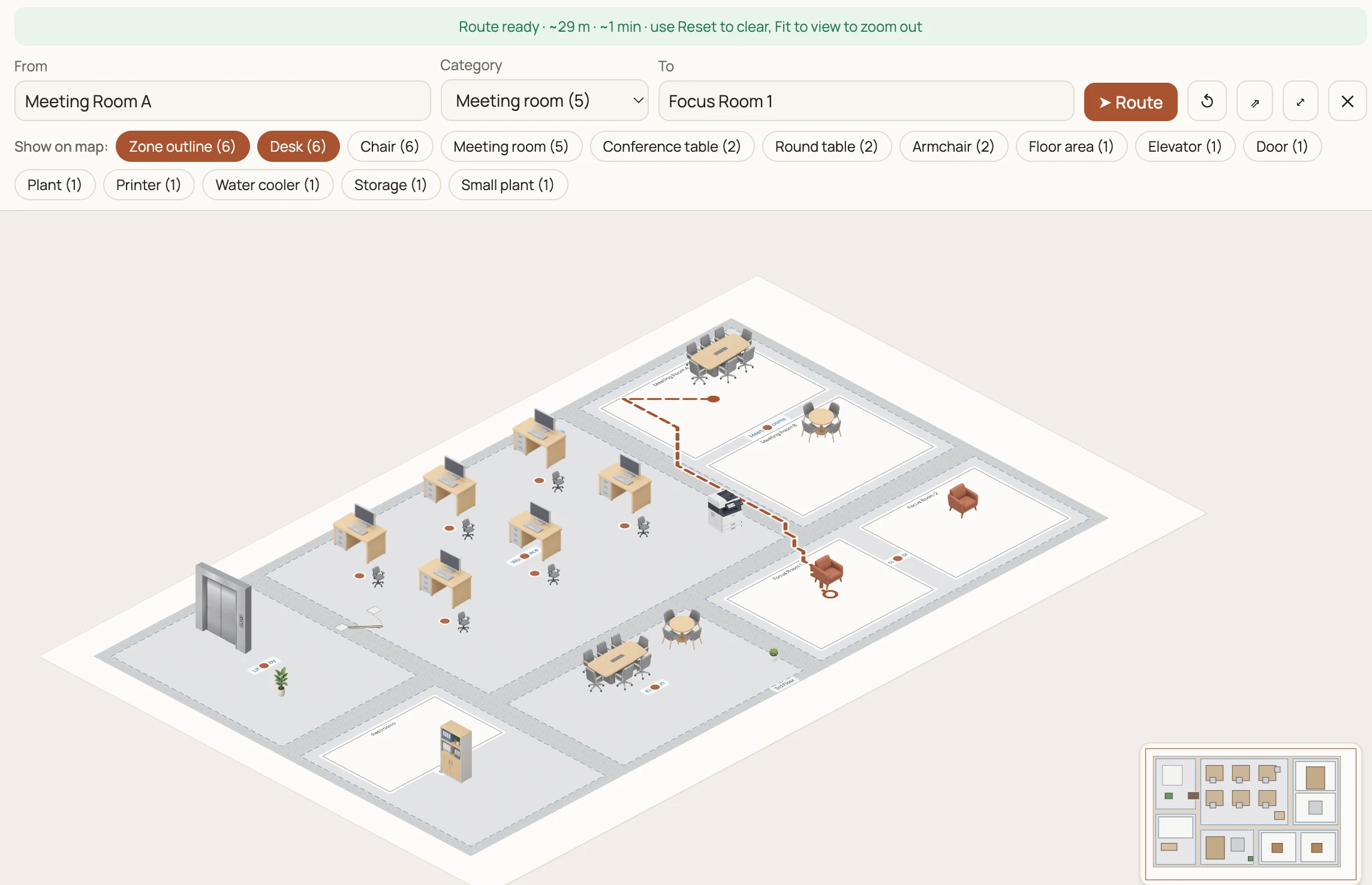
Office Map Editor
Create an interactive office map with BuzzBlender Digital Signage. Help employees and visitors quickly find meeting rooms, workspaces, departments, and other key locations with a clear, easy-to-navigate digital office map.
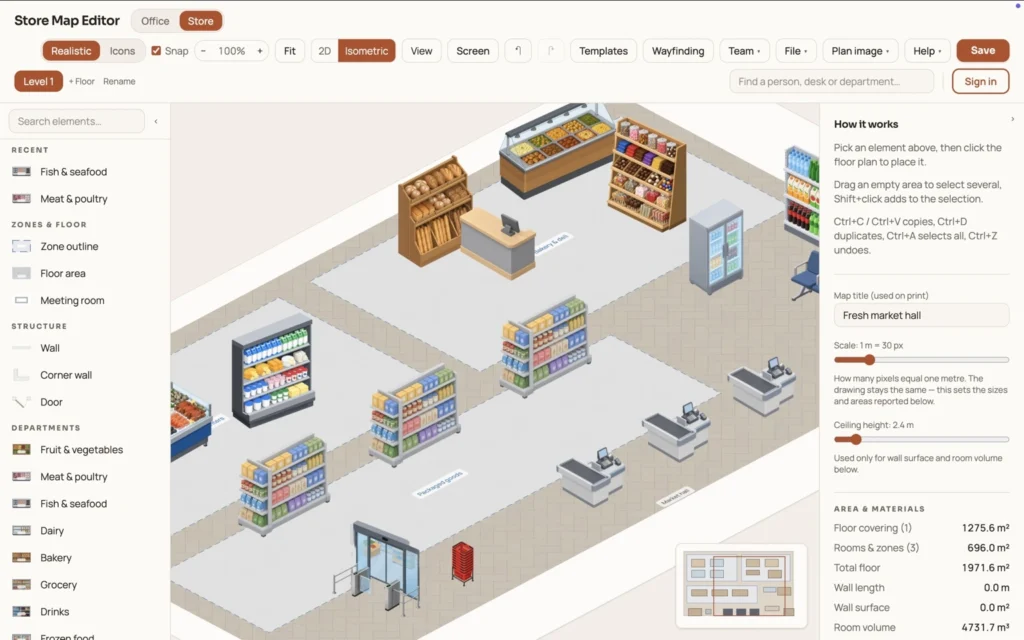
Store Map Editor
Build an interactive store map with BuzzBlender Digital Signage. Make it easy for shoppers to navigate your store, discover departments and products, and quickly find the areas they’re looking for.
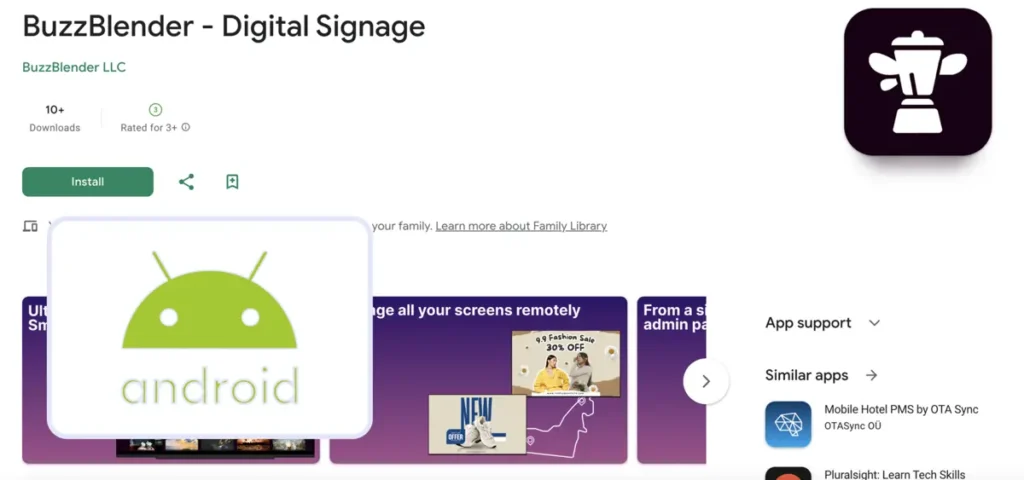
Digital Signage Software for Android Devices
Download the app, connect your device, and start creating playlists!
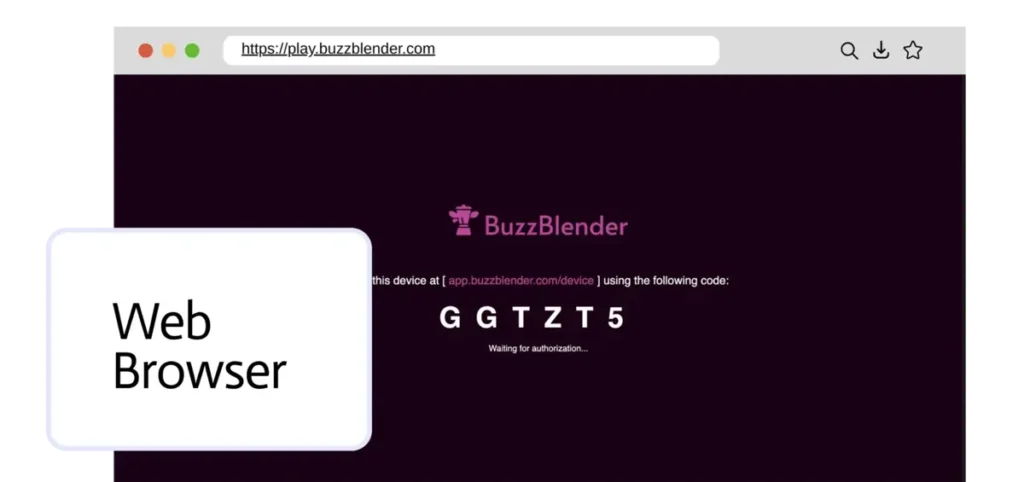
Browser-Based Digital Signage Software
Start using Buzzblender Digital Signage Software right now — on any device with a browser.
Show your content in one click, wherever you are.
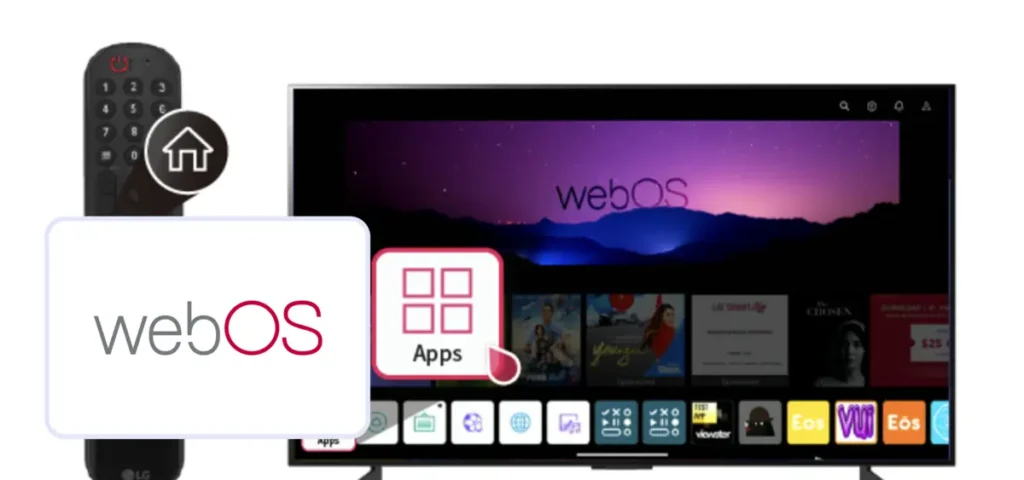
Cloud-Based Digital Signage Software for LG (WebOS)
Download the app, connect your device by entering the access code shown on the screen in the Admin Panel (Devices section), and start creating playlists!
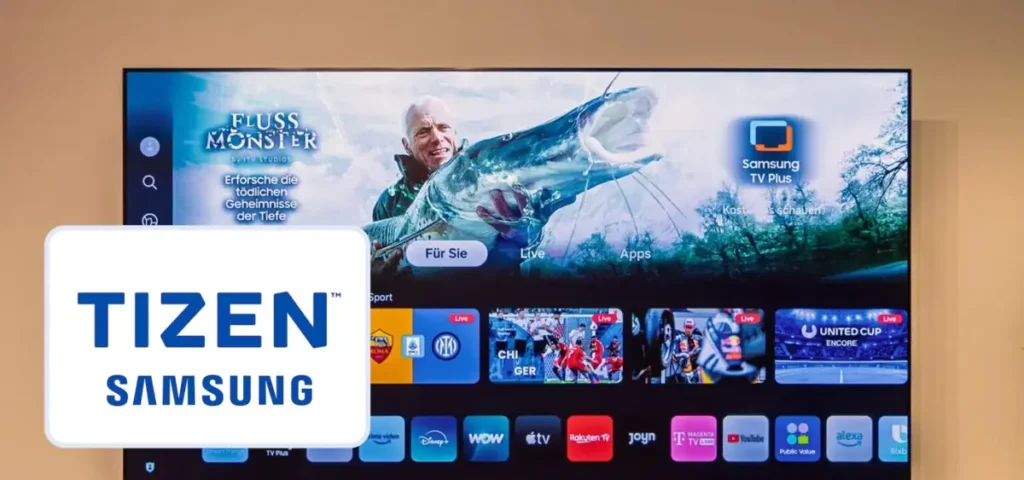
Digital Signage Software for Samsung TV (Tizen OS)
Search for Buzzblender.
Download the app, connect your device, and start creating playlists!
19%
Increase repeat business with Buzzblender.
Customers will choose your business for next visit.
16%
Increase time spent.
People will stay longer, increasing their average spend on food and beverages with Buzzblender dynamic digital signage software.
99%
Save time on updating content using Buzzblender.
Showcase café specials, promotions, or upcoming events, acting as a subtle marketing tool
Customers We’re Proud to Serve
One Dashboard for Every Screen and Location
Managing digital signage across multiple locations shouldn’t mean updating every screen manually. Buzzblender gives you one place to organize screens, publish content and manage playlists across your entire network.
Update a single display, a group of screens or multiple locations remotely. When your content changes, you can publish the update without visiting each location.
- Manage multiple locations
- Group and organize screens
- Update content remotely
- Schedule content in advance
- Manage everything from one account
Our Blog: Learn How Buzzblender Helps Drive Revenue
Turn Your Screens Into Revenue with Buzzblender Digital Signage Software. Make every screen work harder for your business. Buzzblender Digital Signage Software helps you transform your existing screens into powerful revenue-generating channels. Read our blog.
Digital Signage Softwares in 2026 [Trial & $5 Screen]
This guide explains what digital signage software is, how it works, which features matter, how much it costs, and what businesses should consider before choosing a platform.
To help businesses make an informed decision, our team reviewed and compared 36 of the most popular digital signage softwares available today. We evaluated each platform based on usability, content management capabilities, scheduling, supported hardware, collaboration features, pricing, reliability, scalability, and overall value.
Low Cost Digital Signage [The Affordable Way for $5]
If you’re searching for low cost digital signage, you’re probably looking for a solution that is easy to use, fits your budget, and still looks professional. The good news is that modern affordable digital signage software makes it possible for businesses of every size to create eye-catching digital displays without spending thousands of dollars.
Restaurant Digital Signage: 6 apps and Free Month
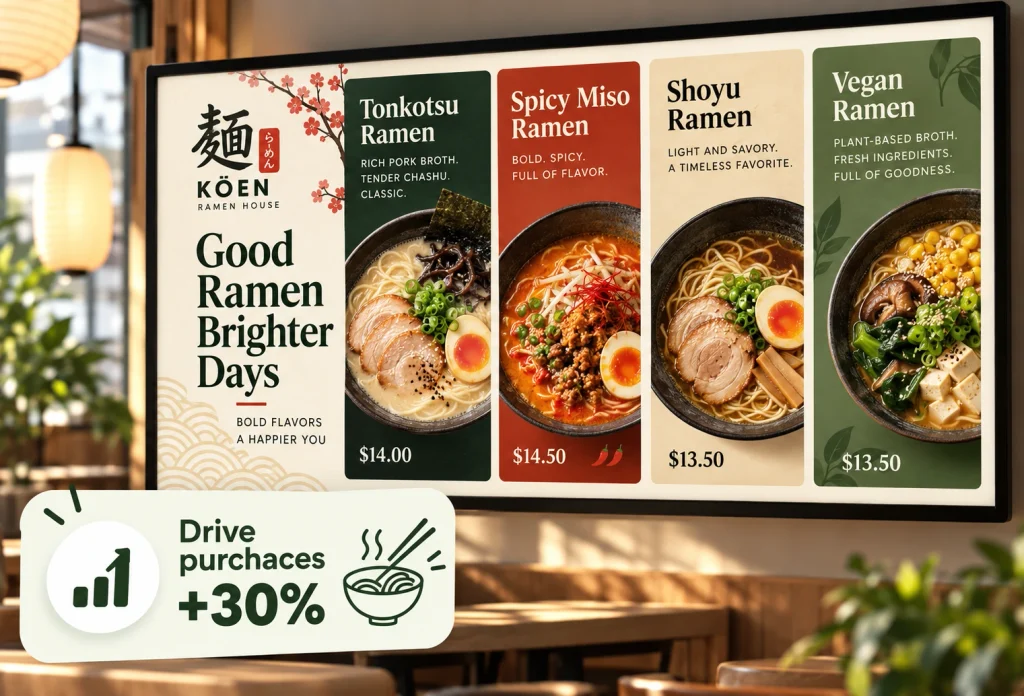
Restaurants can use TVs and commercial displays to show menus, prices, promotions, videos, QR codes, opening information, seasonal offers, and other customer-facing content.
The biggest advantage is flexibility.
Simple Digital Signage Pricing
Starting at $5 per screen / month
Get the tools you need to manage your digital signage without complicated pricing. Start with a 14-day free trial and add screens as your network grows.
Why Choose Buzzblender?
From one screen to hundreds of displays, Buzzblender makes it simple to publish, schedule and update content across multiple locations.
Simple to Set Up
Connect your screens and start publishing content without a complicated digital signage deployment.
Easy to Manage
Keep screens, playlists and content organized in one straightforward dashboard.
Built for Multiple Platforms
Manage different screen technologies without having to build your entire signage network around one hardware vendor.
Affordable as You Grow
Start with the screens you need today and expand your network as your business grows.
Explore Alternatives
Create, manage, and display engaging content that captures attention, promotes products and services, and creates new advertising opportunities—all from one easy-to-use platform.
Alternative to Yodeck
Price is one reason. Some organizations simply do not need hundreds of templates and dozens of apps. They want to upload images or videos, create playlists, schedule content, manage displays remotely, and keep recurring costs low.
Alternative to ScreenCloud
ScreenCloud is a well-established digital signage platform with an extensive app and integration ecosystem, unlimited file storage, remote device management, templates, and enterprise-focused capabilities.
Alternative to MagicInfo
Samsung MagicINFO is a capable digital signage platform, particularly for organizations already standardized on Samsung commercial displays. But being deeply connected to one hardware ecosystem is not always an advantage.
Alternative to Screenly
For businesses comparing digital signage software in 2026, one of the biggest differences between platforms is cost. Screenly’s Starter plan currently costs $15 per screen/month when billed annually, with Starter limited to five screens. Its Business plan rises to $24 per screen/month, while Enterprise is listed at $38 per screen/month.
Digital Signage Software Pricing Guide
Compare competitor pricing, explore alternative solutions, and find the best option for your needs. Discover pricing plans, features, and key differences—all in one place to help you make smarter decisions. Find the right solution through comprehensive pricing analysis. Compare costs, evaluate pricing plans, and discover the best options based on your needs and budget.
Yodeck Pricing: Plans, Costs & Alternatives
If you’re researching Yodeck pricing, the good news is that Yodeck offers a free plan alongside several paid subscriptions. However, the total cost depends on how many screens you manage and which features your business requires.
Affordable Digital Signage Software
BuzzBlender gives you the tools to manage your screen content without complicated digital signage infrastructure.
Affordable Digital Signage Software in South Africa
BuzzBlender helps businesses across South Africa publish content, schedule playlists and manage connected screens remotely — whether you have one display or screens across multiple locations.
Digital Signage Software in Argentina
Your TV is already on the wall—turn it into your best salesperson. Promote special offers, boost sales of other products, and update all your screens from your phone in seconds. All for just ARS 7,625 or $5 per screen per month
Digital Signage Solutions for Businesses in Namibia
Manage digital signage screens across your business from one simple cloud platform.
BuzzBlender helps businesses in Namibia publish content, schedule playlists and remotely manage screens without complicated digital signage infrastructure.
Use compatible LG webOS, Samsung Tizen, Android and browser-based displays.
Digital Signage in Fort Worth, TX | From $5/Screen
Looking for digital signage in Fort Worth, Texas? Whether you operate a restaurant near the Stockyards, a retail store in Sundance Square, a hotel downtown, or a corporate office in the Alliance area, digital signage can help you communicate with customers, promote products, and manage information across multiple screens.
Digital Signage Solutions for Businesses in Kenya
BuzzBlender helps businesses in Kenya create, schedule and remotely manage content across connected displays.
Manage Menus From Anywhere
Turn your cafe screens into digital menu boards. Update prices, schedule breakfast and lunch menus and promote today’s specials — remotely, from one simple dashboard.
Explore how businesses across different industries use digital signage software to engage customers, promote products and services, improve communication, and make every screen work harder.
Automotive Digital Signage That Sells More Cars & Service
Digital Signage for Spa & Beauty Salons
Digital Signage for Yoga Studios
FAQ – Buzzblender Digital Signage Software
What is Buzzblender dynamic digital signage software?
Buzzblender is an easy-to-use dynamic digital signage software for cafe, restaurants, and hospitality businesses that helps increase repeat customers, promote offers, and improve in-store experience.
How much does dynamic digital signage software cost?
Buzzblender costs just $5 per screen per month, making it one of the most affordable dynamic digital signage software for small businesses and cafés.
Is there a free trial available for dynamic digital signage software?
Yes, Buzzblender offers a 14-day free trial, so you can test the dynamic digital signage software risk-free.
Do I need a credit card to start?
No — you can start your free digital signage software trial with no credit card required.
How quickly can I get started?
You can start using Buzzblender immediately. Setup takes just a few minutes, and you can display content on your screens right away.
How does dynamic digital signage software help increase repeat customers?
Dyanic Digital signage helps promote offers, loyalty programs, and events, encouraging customers to return and engage more with your business.
Can dynamic digital signage software increase sales in cafés and restaurants?
Yes. Dynamic digital signage software increases customer dwell time and average spend by showcasing menu items, promotions, and engaging content.
Is Buzzblender suitable for small business?
Absolutely. Buzzblender is designed for small cafés, coffee shops, bars, and restaurants looking for a simple and affordable dynamic digital signage software.
What do I need to use dynamic digital signage software?
You only need a TV or screen and an internet connection. Buzzblender works with standard displays—no expensive hardware required.
Can I update content easily?
Yes. Buzzblender allows you to update menus, promotions, and content in seconds, saving time compared to printed materials.
Ready to Put Your Screens to Work?
Start managing your digital signage with Buzzblender. Connect your screens, publish your content and control everything remotely from one platform.
Digital Signage Glossary
Learn the essential terms behind digital signage software and technology.
Explore the Buzzblender Digital Signage Glossary for clear explanations of digital signage software, CMS platforms, content management, media players, Smart TVs, screen scheduling, video walls, remote display management, and more. Whether you’re new to digital signage or managing a professional network, our glossary helps you understand the technology behind modern digital displays.
Explore the Digital Signage Glossary →
Banking Digital Signage Software for $5 Screen
Banking Digital Signage Software is a digital signage solution designed for banks, credit unions, financial institutions, investment firms, and branch offices to manage digital displays, customer communications, promotional campaigns, queue information, financial education, and corporate messaging.
Billboard Management Software [$5 per Screen]
Every screen may need different advertising campaigns. Promotions need to start and stop at specific times. Creative assets change regularly. Advertisers expect campaigns to launch on schedule, while operators need to know whether their displays are active.
Chromecast Digital Signage [$5 screen]
Chromecast Digital Signage is an affordable way to turn a TV or commercial display into a centrally managed digital signage screen using Chromecast-compatible hardware and digital signage software such as Buzzblender.
Instead of purchasing an expensive dedicated signage player for every display, businesses can build a simple setup.
Cloud-Based Digital Signage Software [$5 screen/month]
Managing digital screens should not require expensive servers, complicated infrastructure, or someone physically visiting every location whenever content needs to change.
That is exactly why businesses are moving toward cloud-based digital signage software..