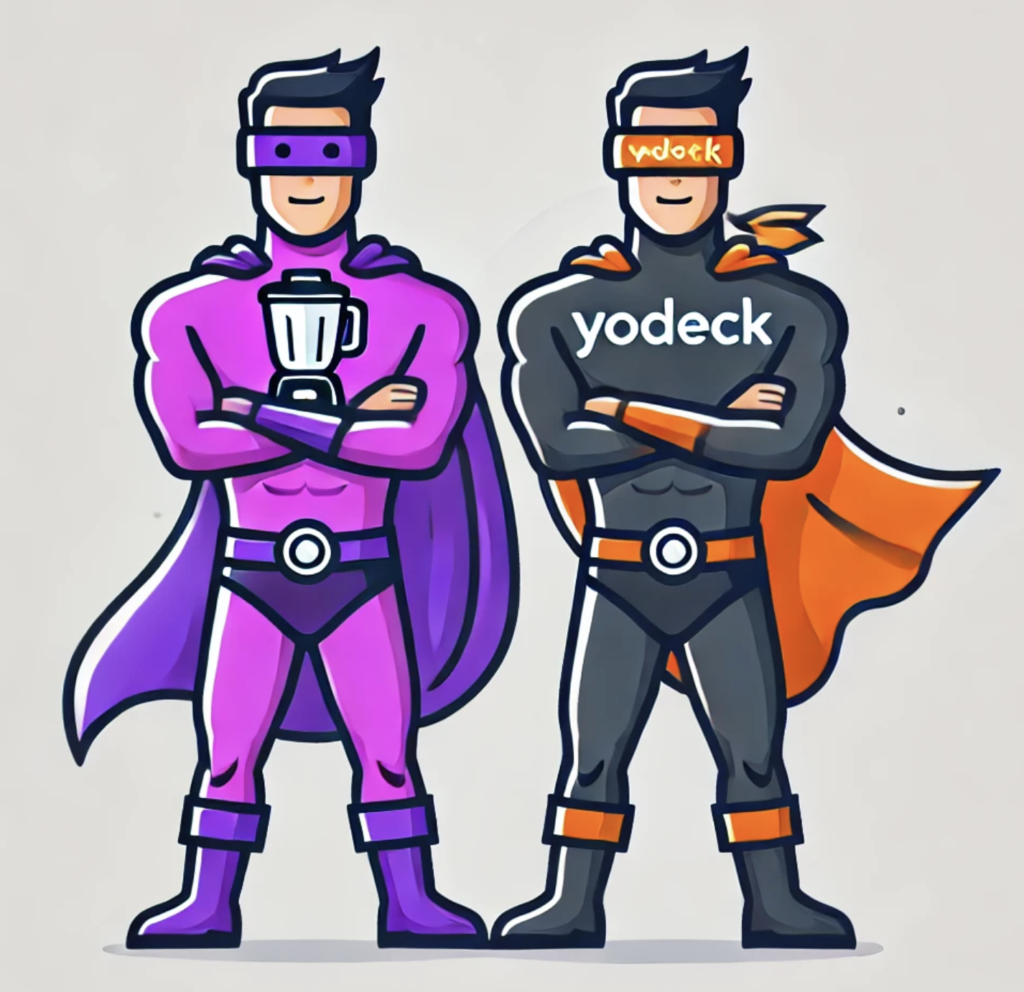
Spoiler: Buzzblender is 40% cheaper and includes all the essential features

Compare Buzzblender and Yodeck digital signage software. See pricing, features, and why Buzzblender offers better value at a lower cost.
Digital signage has become essential for businesses, retail, hospitality, education, corporate communications, and events that want dynamic, automated screen content to inform, engage, and influence audiences. Two noteworthy players in this space are Buzzblender and Yodeck — both promising flexible, cloud-based content management and remote screen control. In this article, we compare these platforms side by side so you can choose the right solution for your organization.
What Is Digital Signage?
Before we dive in, digital signage refers to display screens controlled centrally that show custom media — such as images, videos, feeds, menus, and announcements — across locations. Modern digital signage CMS platforms allow remote scheduling, playlist management, and analytics without the need for on-site manual updates.
Overview of Buzzblender
Buzzblender is a digital signage platform built to support screens running WebOS (LG), Android, and Samsung Tizen, Web Browser, Windows, Linux. It focuses on simplicity, scheduling, and content control from a centralized dashboard.
Key Features of Buzzblender
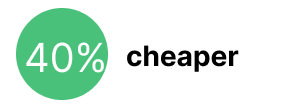
- $5 per screen per month.
- Multi-platform support: Works across LG WebOS, Android TV, and Samsung Tizen signage displays.
- Smart scheduling tools: Calendar-based content planning makes playlist management more efficient.
- QR code overlays: Add interactive QR codes for marketing and engagement tracking.
- Role-based access control: Assign permissions for admins, editors, or viewers.
- Screen monitoring: See which screens are active or inactive in real time.
Typical Use Cases
Buzzblender is popular with SMBs, restaurants, gyms, retail shops, and small corporate venues that already use Android or WebOS screens and want a lightweight CMS without advanced integrations.
Overview of Yodeck
Yodeck is a highly rated cloud-based digital signage platform used worldwide. It offers a feature-rich experience with strong remote management, scalable player support, and robust integrations.
Key Features of Yodeck
- Drag-and-drop content creation: Easy workflow for images, videos, and layouts.
- Apps & integrations: Includes templates, weather apps, RSS tickers, dashboards, and Microsoft integrations.
- Wide hardware support: Compatible with Raspberry Pi players, Android.
- Remote cloud access: Control and schedule screens from anywhere via web browser.
Typical Use Cases
Yodeck serves small businesses to large enterprises across industries like retail menu boards, internal corporate communications, educational info screens, and factory dashboards.
| Feature | Buzzblender | Yodeck |
| Price | $5 per screen per month 40% cheaper! | $8 per screen per month |
| Billed | Monthly or annually | Only Annually |
| LG Experienced Partner | ✅ | ❌ |
| Cloud-based CMS | ✅ | ✅ |
| Android Support | ✅ | ✅ |
| Samsung Tizen Compatible | ✅ | ✅ |
| Role-based Controls | ✅ | ✅ |
| Free Tier Available | ✅ | ✅ |
| Enterprise Scalability | ✅ | ✅ |
| Native LG app available | ✅ | ❌ |
Pricing and Value.
Buzzblender is approximately 40% cheaper
Buzzblender is approximately 40% cheaper than Yodeck, making it a more cost-effective option for businesses managing multiple screens.
Buzzblender pricing starts at just $5 per screen per month, which can result in substantial savings — especially for larger screen networks and long-term deployments.
In comparison, Yodeck’s pricing starts at $8 per screen per month but billed annually. While Yodeck offers advanced features and scalability, the higher per-screen cost may increase total expenses over time.
For businesses focused on affordability and long-term cost efficiency, Buzzblender provides a strong pricing advantage..
Strengths & Limitations
Buzzblender Strengths
- Fast and simple setup on common smart TV platforms.
- Practical for standard playlist scheduling and screen control.
- Affordable entry point for smaller deployments.
Yodeck Limitations
- Pricing is much higher, which raise costs at scale.
- Significantly steeper learning curve
Which Should You Choose?
Choose Buzzblender if:
✔ You need a simple, budget-friendly digital signage tool.
✔ You use LG WebOS, Android, or Samsung Tizen screens.
✔ You want fast playlist scheduling and basic analytics.
Choose Yodeck if:
✔ You want a wide library of templates, widgets, and integrations.
Conclusion — Buzzblender vs Yodeck
Both Buzzblender and Yodeck are capable digital signage solutions, but they serve slightly different audiences. Buzzblender leans toward simplicity and affordability.